Product Manual
How the household system works.
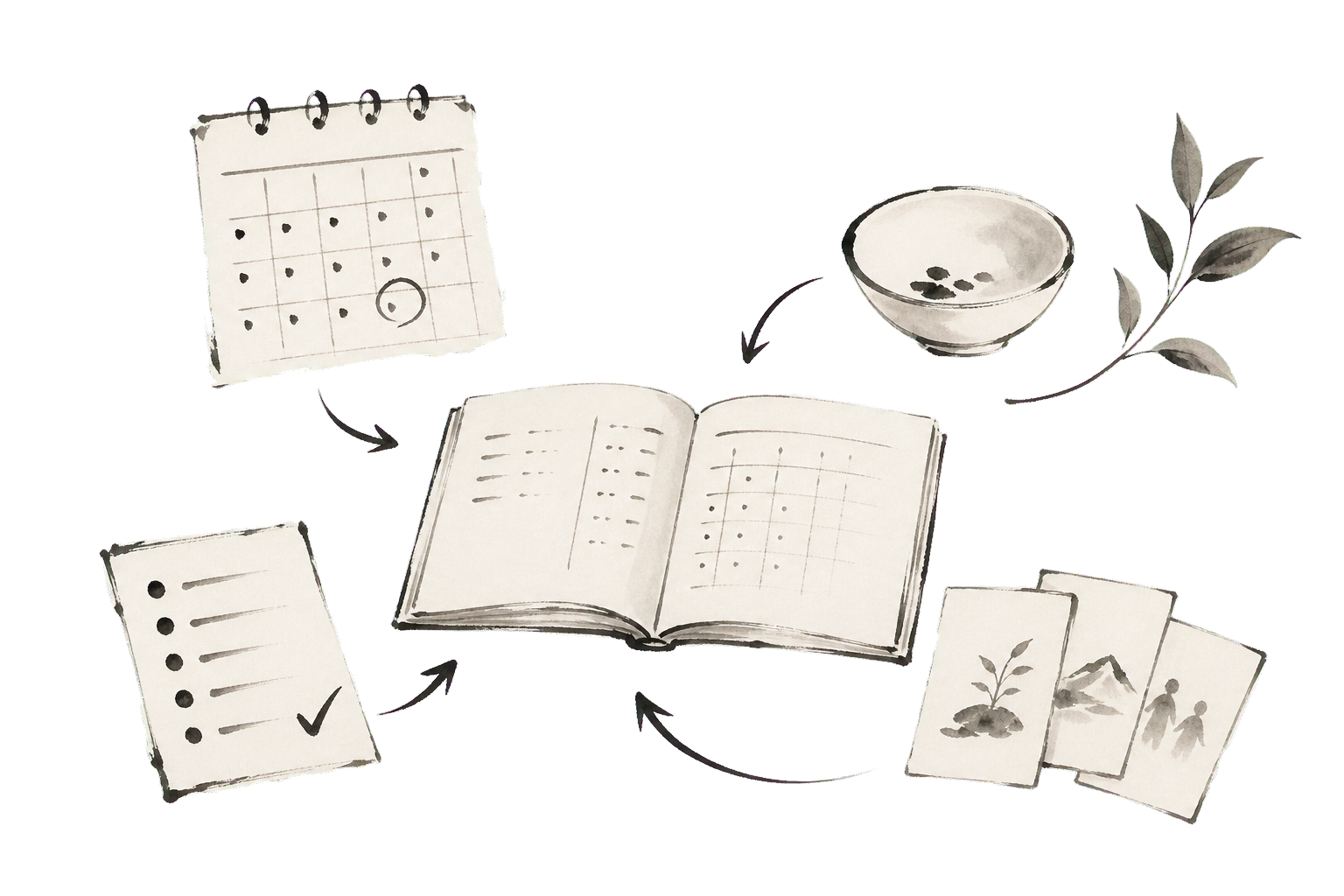
This app keeps the ordinary work of the house in one place: meals, schedules, habits, projects, tasks, and the preferences that shape them.
Purpose
One shared memory for the week.
The app is not a place to record everything. It is a place to keep the parts of family life that need coordination close enough to see together.
Plan
Start with the real week: meals, appointments, deadlines, and known constraints.
Assign
Attach work to people when ownership matters, and leave it unassigned when the household can simply notice it.
Adjust
When the week changes, update the source of truth instead of carrying the change in memory.
Boundaries
Each section has a job.
Meals decide food. Schedule decides time. Habits track repetition. Projects hold multi-step work. Tasks hold small actions. Household settings explain who the system is serving.
Guides
Plan food from the actual week.
Meals are the hub for deciding what the household will eat, what ingredients are needed, and how preferences, pantry, and nutrition shape the plan.
02Keep fixed time visible.
Schedule is for appointments, events, and day structure: anything that affects when the household can eat, leave, rest, or work.
03Track small repeated promises.
Habits are for recurring actions that matter over time. They stay light: check in, notice the pattern, and adjust without making the app a scoreboard.
04Hold work that takes more than one step.
Projects collect long-running family work: repairs, planning, paperwork, school needs, household improvements, and anything that needs stages.
05Capture small actionable work.
Tasks are for things that can be done, assigned, moved, or scheduled. They are lighter than projects and more specific than habits.
06Keep the system centered on people.
Household context explains who is eating, who owns work, what preferences matter, and which constraints should shape decisions.
07Save meals as reusable household knowledge.
Recipes hold ingredients, steps, equipment, tags, images, and nutrition links so a meal can be planned again without rebuilding it.
08Know what the house already has.
Pantry connects ingredients, inventory, purchase details, nutrition profiles, and the practical question of what needs to be bought.
09Turn plans into a list.
Shopping lists are the practical output of planned meals, pantry gaps, and household preferences.
10Use nutrition as quiet context.
Nutrition connects ingredients, recipes, portions, and household needs. It supports decisions without turning food into a scoreboard.
11Arrange work against the day.
Planner is the place for tasks and commitments that need to be shaped around real time.
12Move work through visible states.
Boards are for work that benefits from columns, status, and movement. They keep open loops visible without forcing everything onto the calendar.
13Tell the system what should guide decisions.
Preferences hold dietary needs, likes, dislikes, meal slots, household defaults, and smart settings that shape meal choices.